Hexapod, part 3 of 4
Autonomy
A walking robot has no wheel encoders to tell it how far it has gone. This part covers how the hexapod estimates its own motion from its legs, builds a map, plans paths through it, and listens to what it is told.
The whole system
Everything that moves the robot ends up as the same velocity command, which goes to the gait controller from part 2. Everything the robot knows about where it is comes back from the joints, the IMU and the lidar.
Odometry from footsteps
A wheeled robot counts wheel turns. A legged robot has to use its feet. The idea: a foot that is planted on the ground doesn't move relative to the world, so when the body moves forward, that foot appears to move backwards by the same amount, as seen from the body.
The odometry node runs this reasoning 50 times per second:
- Compute each foot's position relative to the body from the measured joint angles (forward kinematics, the reverse of the solver in part 2).
- Decide which feet are planted. There are no contact sensors on the feet, so a foot counts as planted when it is near the ground and its height has changed by less than 1 mm since the last update.
- Average how far the planted feet moved since the last update. The body moved by the same amount in the opposite direction.
- Rotate that step into the world frame using the heading from the IMU, and add it up.
Fusing it with the IMU
Leg odometry is good at distances but drifts in heading, while an IMU is the opposite.
An extended Kalman filter from robot_localization, running in 2D mode at 30 Hz,
combines them. It takes position and velocity from the legs, and orientation, angular rate
and acceleration from the IMU built into the RealSense camera. Its output is the
odom → base_link transform that the rest of the stack uses.
Mapping and navigation
slam_toolbox builds an occupancy grid from the lidar scans and the fused odometry,
and corrects the drift by publishing the map → odom transform. Once a map
is saved, AMCL can localise the robot on it instead.
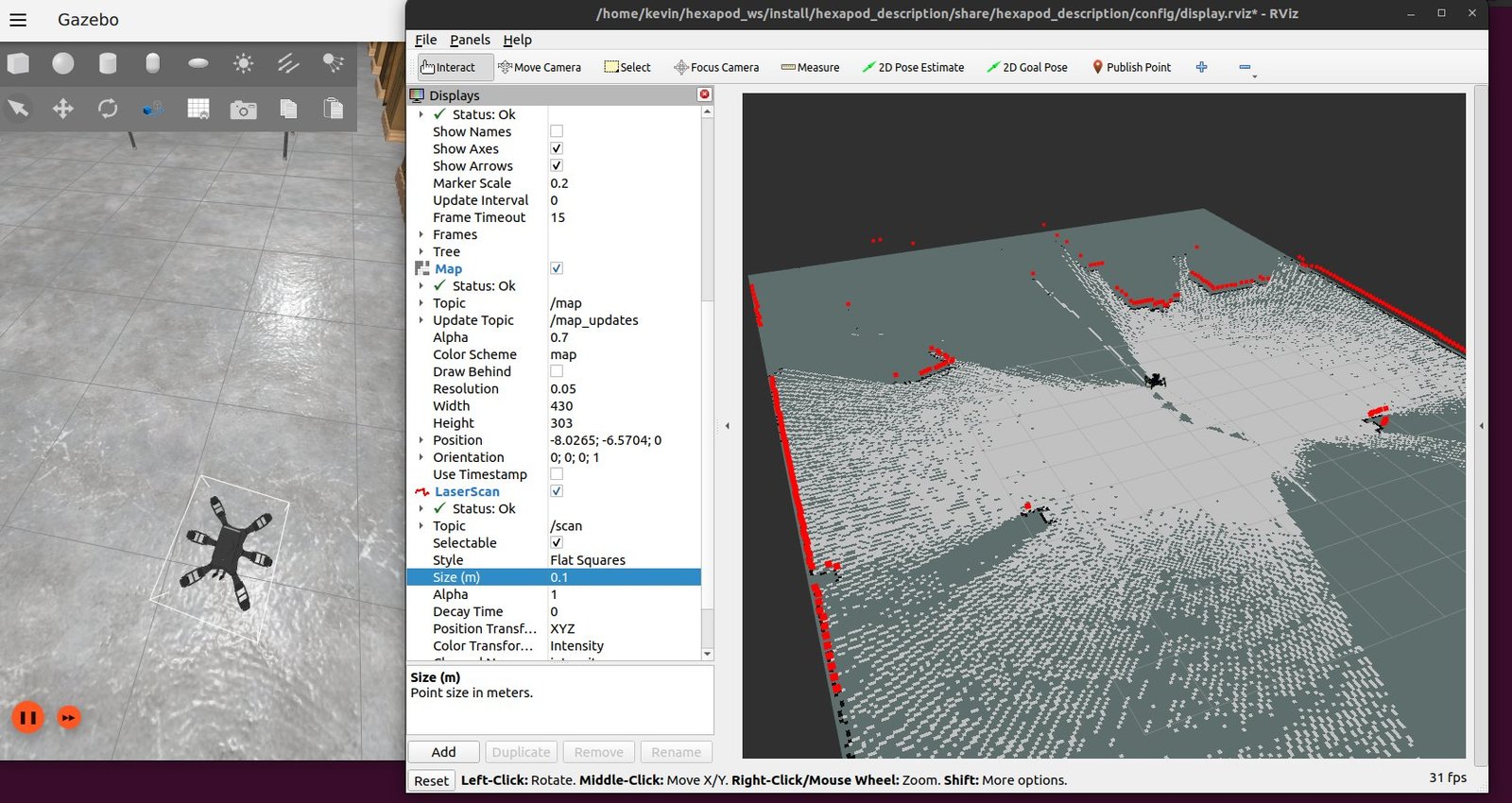
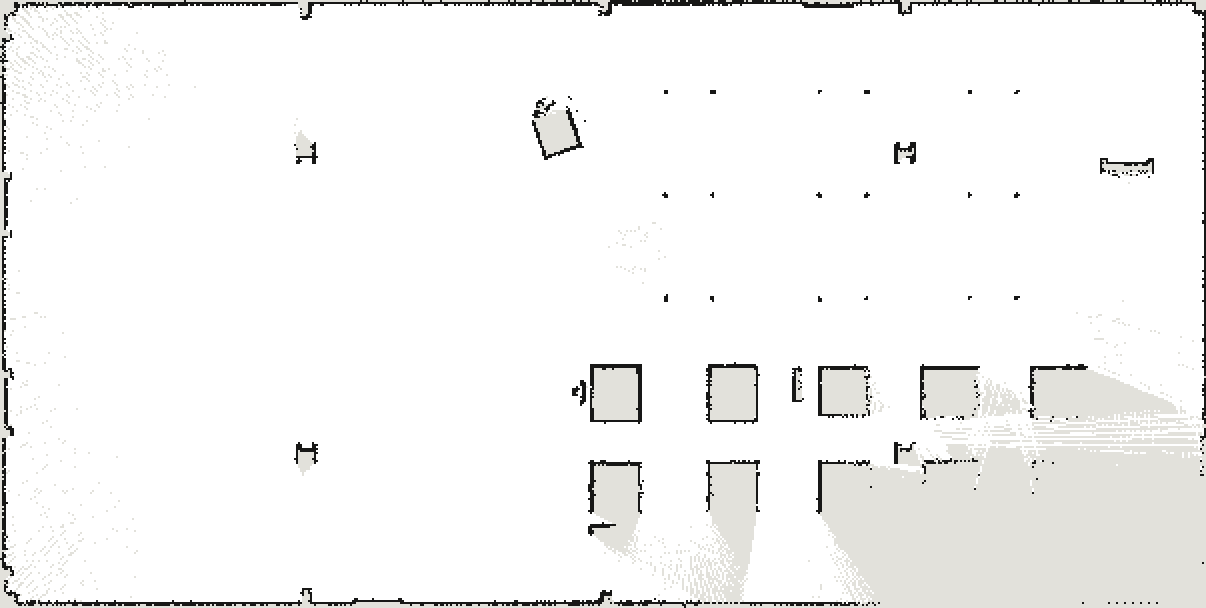
Nav2 plans on that map. A grid planner (NavFn) finds a global path, and the DWB local controller follows it at 20 Hz while avoiding obstacles seen in the latest lidar scan. For the planners, the robot is a circle 26 cm in radius. If it gets stuck, it tries the standard recoveries: spin, back up, wait. Its output is a plain velocity command, so the gait controller needs nothing special to follow it.
Voice commands
A voice node listens to a 6-channel microphone array and turns speech into motion:
- Detecting speech. WebRTC voice-activity detection checks every 20 ms of audio. An utterance ends after 600 ms of silence. Anything shorter than 300 ms, or too quiet, is dropped.
- Transcription. faster-whisper (the medium model, quantised to 8-bit on the GPU) transcribes the utterance in translate mode. Whatever language you speak, the result comes out in English, so one set of keywords covers every language.
- Filtering hallucinations. On near-silent audio, Whisper tends to invent phrases like "thank you" or "thanks for watching". A small blocklist throws those away.
- To motion. Keywords map to velocity commands: "forward" and "back" set ±0.25 m/s, "turn left" and "turn right" set ±0.8 rad/s, and "stop" stops.
A second version of the node publishes the transcribed text instead of moving the robot, so other nodes can react to free-form instructions.
Object detection
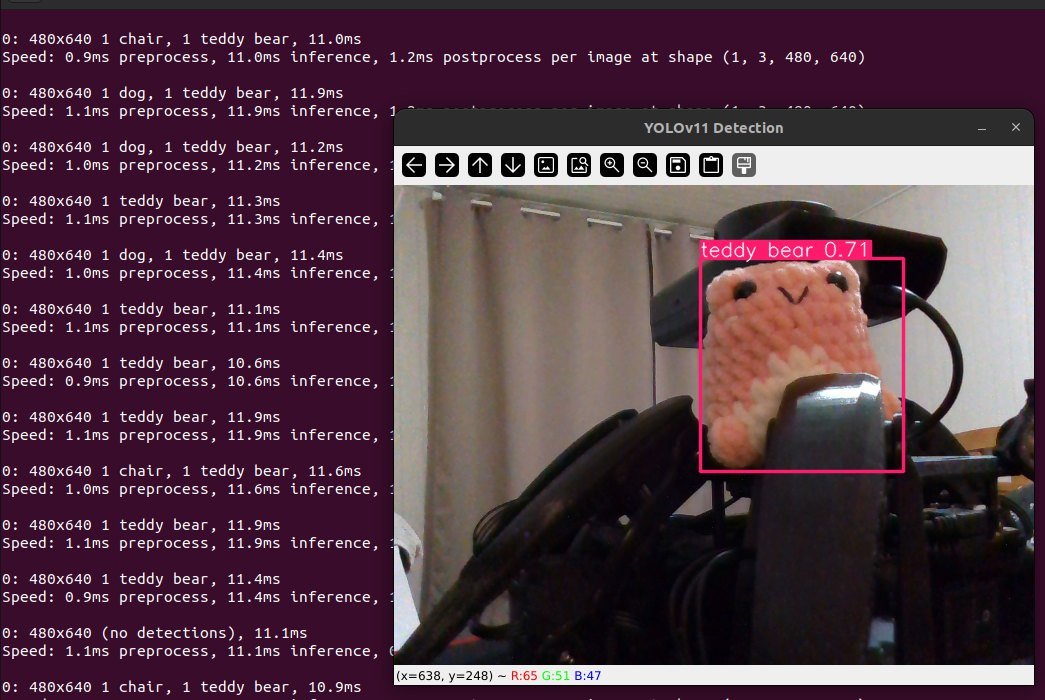
A vision node runs YOLO11 (the medium model) on the RealSense colour stream and publishes an annotated image with boxes, labels and confidence scores. For now it only reports what it sees.